


.svg)

.svg)
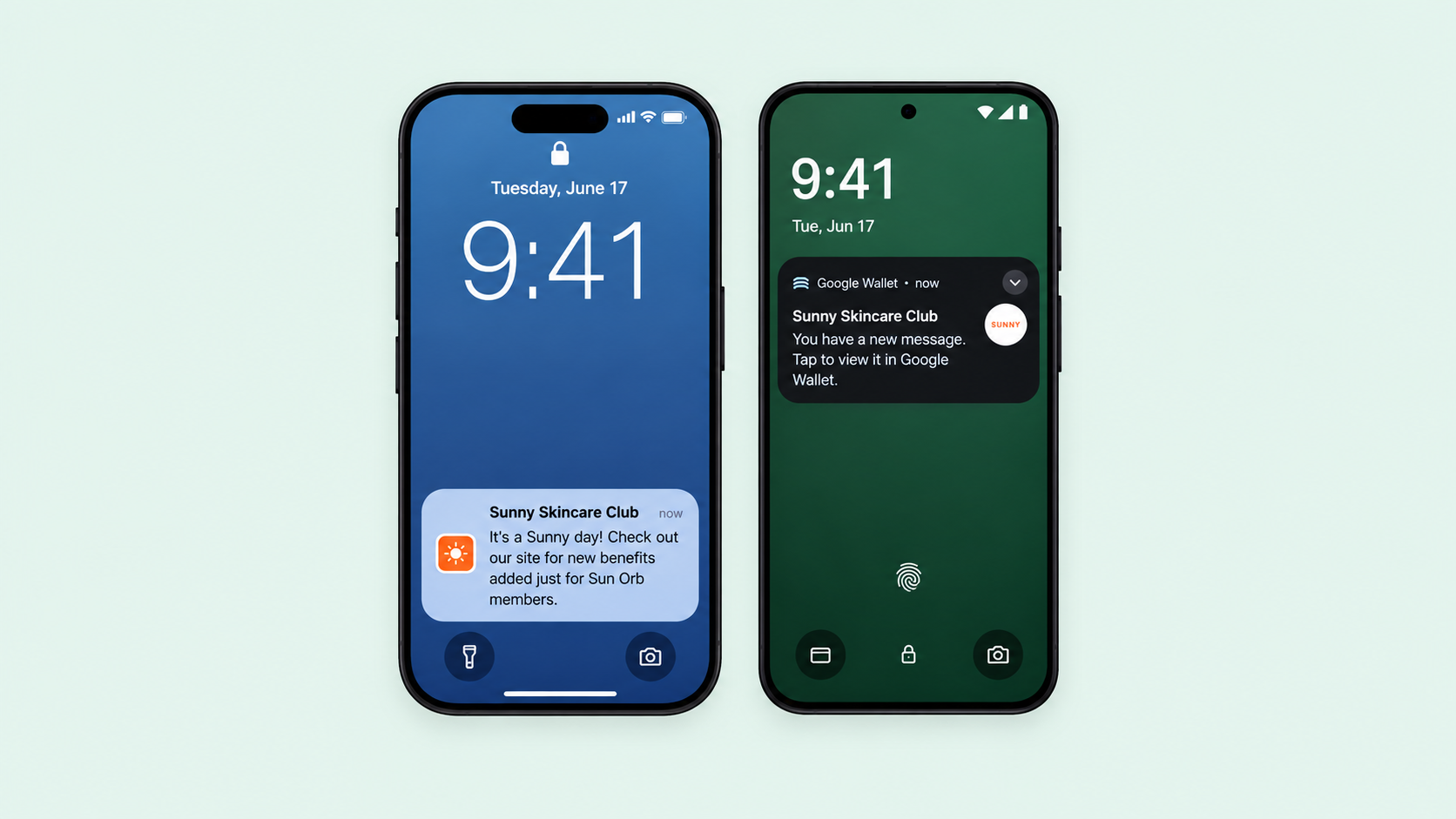
Wallet pass notifications are now live for all brand partners. Write one message and it goes to the passes your members carry in Apple Wallet and Google Wallet at the same time.
Why we built this
When we launched wallet passes, we talked about them as a direct, real-time channel to your best customers. Until now, that channel mostly worked one way: points, tiers, and rewards updated automatically, and geofencing could greet members near your stores. What was missing was the ability for you to start the conversation.
This matters because the usual channels are crowded. An email competes with everything else in the inbox, and a text can feel like one message too many. A wallet notification lands on the lock screen, attached to something your member chose to add to their phone. It gets seen because there is nothing to open and nothing to scroll past.
How it works
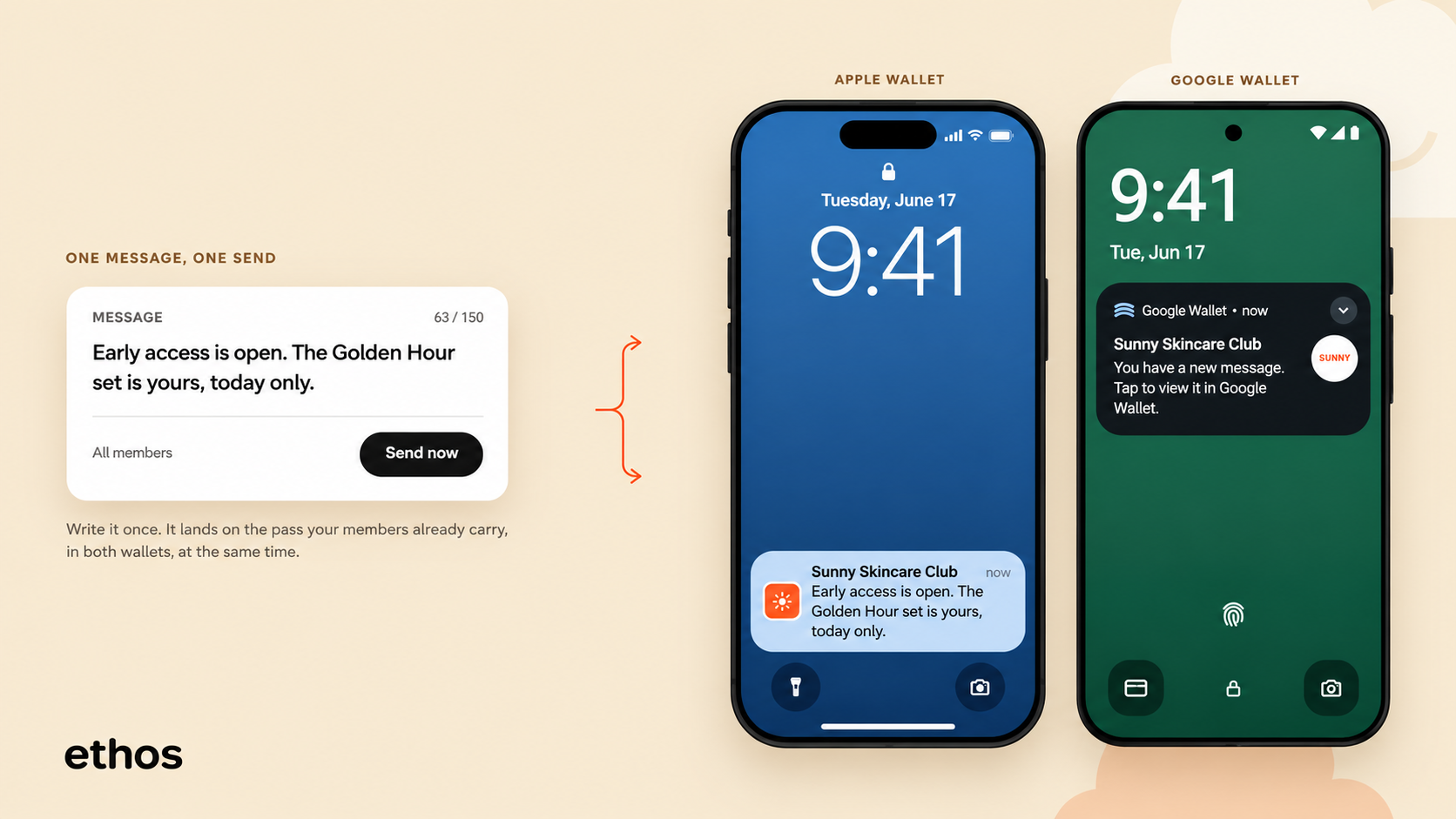
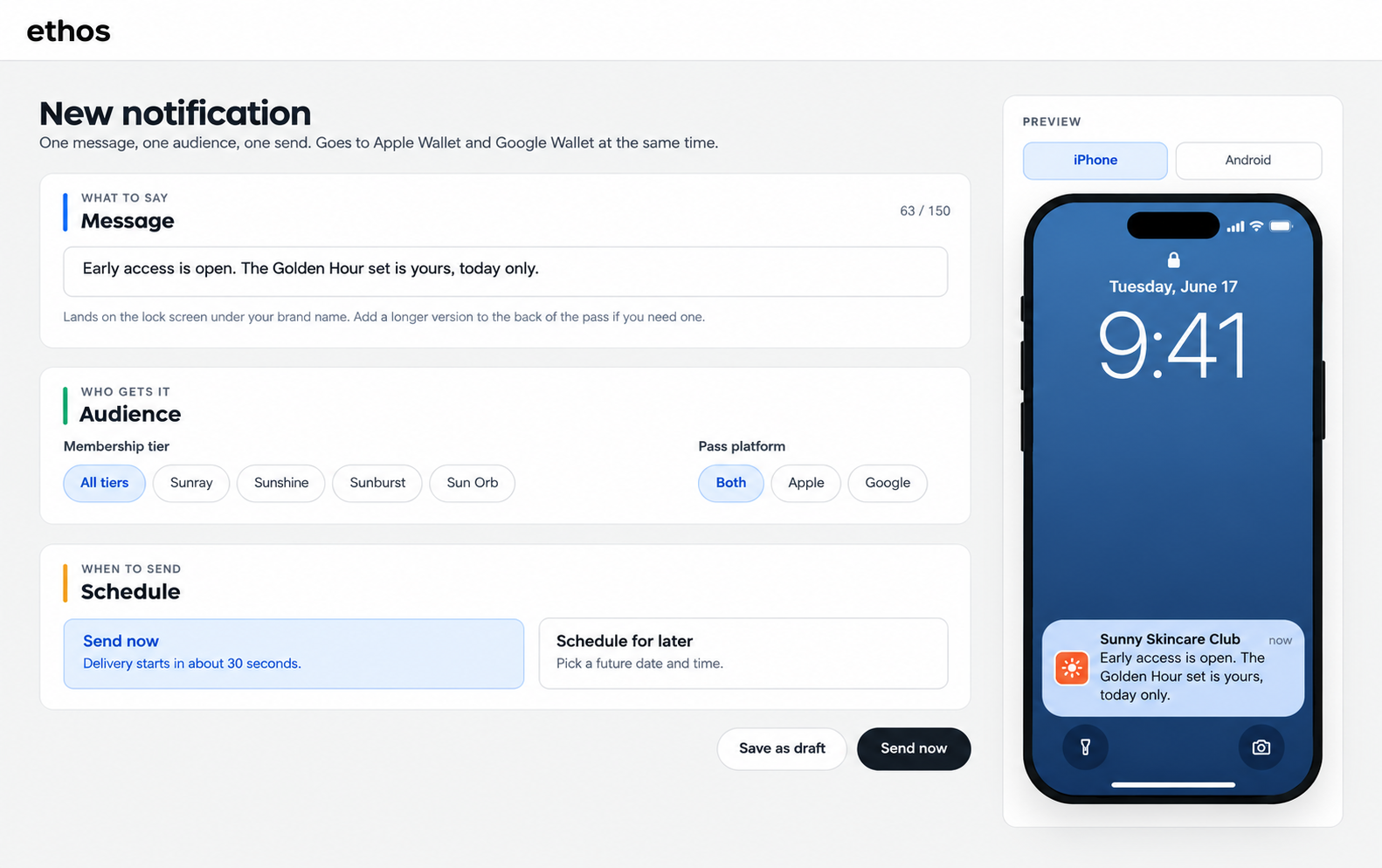
One message, one audience, one send. You write your message once, up to 150 characters, and ethos delivers it to Apple Wallet and Google Wallet at the same time.
On iPhone, your message appears on the lock screen directly under your pass title. On Android, Google generates the banner and your message appears in the pass details. As you type, a live preview shows exactly how it will look on each platform.
Add more to the back of the pass
Notifications are short by design, so we also added an optional back-of-pass section. Give it a header and up to 2,000 characters of text, and your full message lives on the pass itself. It's a good home for the details behind the send, like the fine print on a flash sale or the address for an event.
What to send
The best notifications feel like a perk of membership, not a broadcast. Give members a first look at a new drop before anyone else. Remind them about a limited-time offer while it's still live. Invite them to something happening in store this weekend. If it makes membership feel worth it, it belongs here.
Included in Everything
Like every ethos feature, wallet pass notifications are included in our Everything Plan. No add-ons, no upgrades, just turn it on and start using it.
Head to Mobile Wallet, then Notifications in your dashboard to write your first message, preview it on both platforms, and reach your members right where they'll see it.

.png)


.svg)

.svg)

.svg)

